Do You Recognize this Scenario?
It is 2 PM on a Thursday, three weeks before your vertical slice milestone. Your social media manager is scrambling. They need a high-res render of the main character’s "Ultimate Ability" for a Twitter (X) post going out in an hour to capitalize on a trending hashtag.
They open Google Drive and type "Ultimate."
Result: Zero files found.
They try "Attack."
Result: A folder full of 64x64 pixel UI icons named icon_attack_sword.png.
Desperate, they search for "Explosion."
Result: A folder containing three-year-old concept art sketches from pre-production that look nothing like the current game style.
The clock is ticking. Finally, they give up and send a Slack message to your Lead Tech Artist: "Hey, sorry to bother you, but where is that render of the hero using the laser sword that I saw in the sprint review?"
The Tech Artist was deep in the zone, complexly debugging a shader graph that has been breaking the build for two days. The Slack notification pings. Their focus shatters. They sigh, break their flow, boot up P4V (Perforce Visual Client), sync the latest depot (which takes ten minutes), find the file, export it to a format the social manager can actually open, and drop it into Slack.
The social manager says "Thanks!" and posts the image.
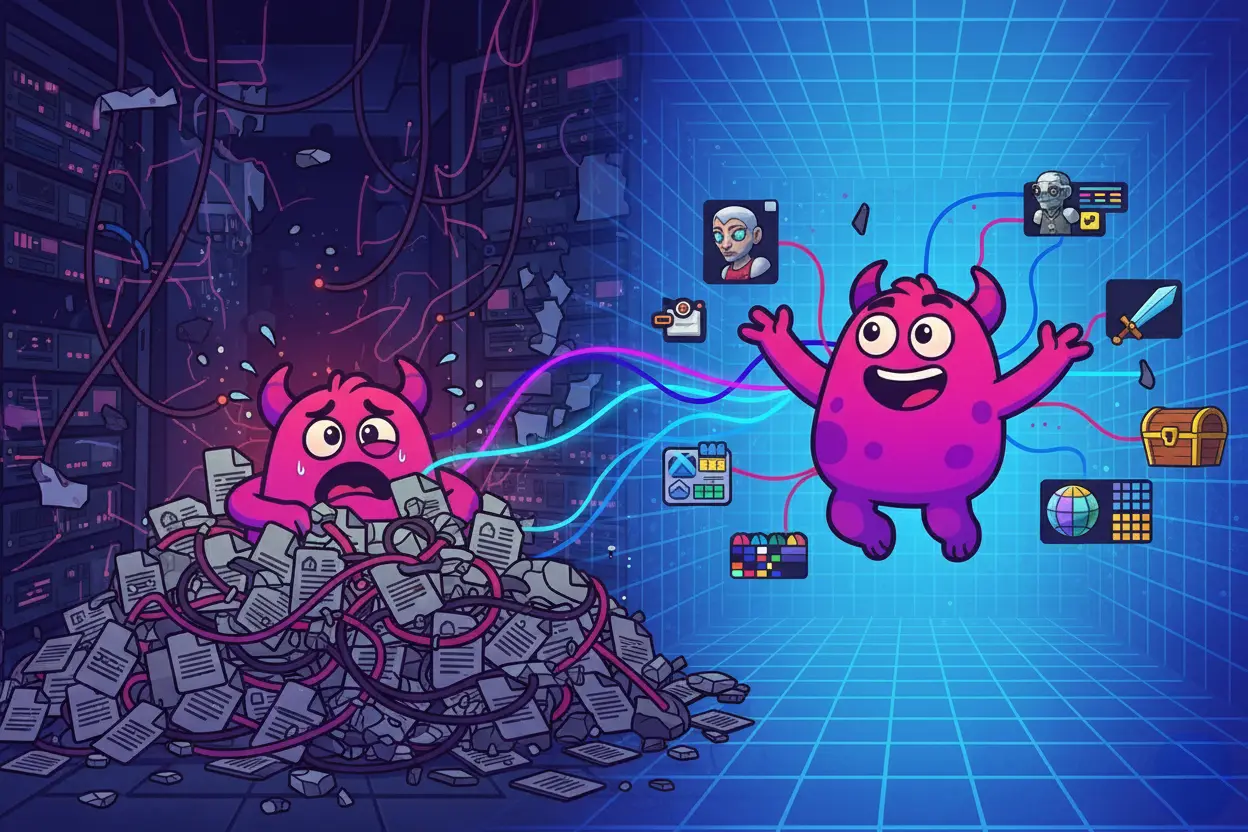
To the outside world, this looks like a successful collaboration. Inside the studio, it is a disaster. This scenario plays out in game studios every single day. We call it the Marketing Black Hole.
Assets go into your storage, but unless you know the exact cryptic filename given to them by a developer, they never come out.
Here is why your reliance on Google Drive is slowing down your marketing, destroying your developer productivity, and how "Lore-Aware" AI is the only way to fix it.
The Problem: Google Drive reads Text, not Pixels
We love Google Drive for design docs, spreadsheets, and slide decks. But for game development, it has a fatal flaw: it is legally blind.
Google Drive is a file system. It relies entirely on text-based filenames and folder hierarchies to organize information. This works for accounting; it fails miserably for visual art.
The Clash of Naming Conventions
The root of the conflict is that developers and marketers speak different languages.
- Developers name files for logic: They use camelCase, underscores, and prefixes designed for engine sorting. They name a file T_Env_Forest_Night_v04.png because it sorts correctly in the engine content browser.
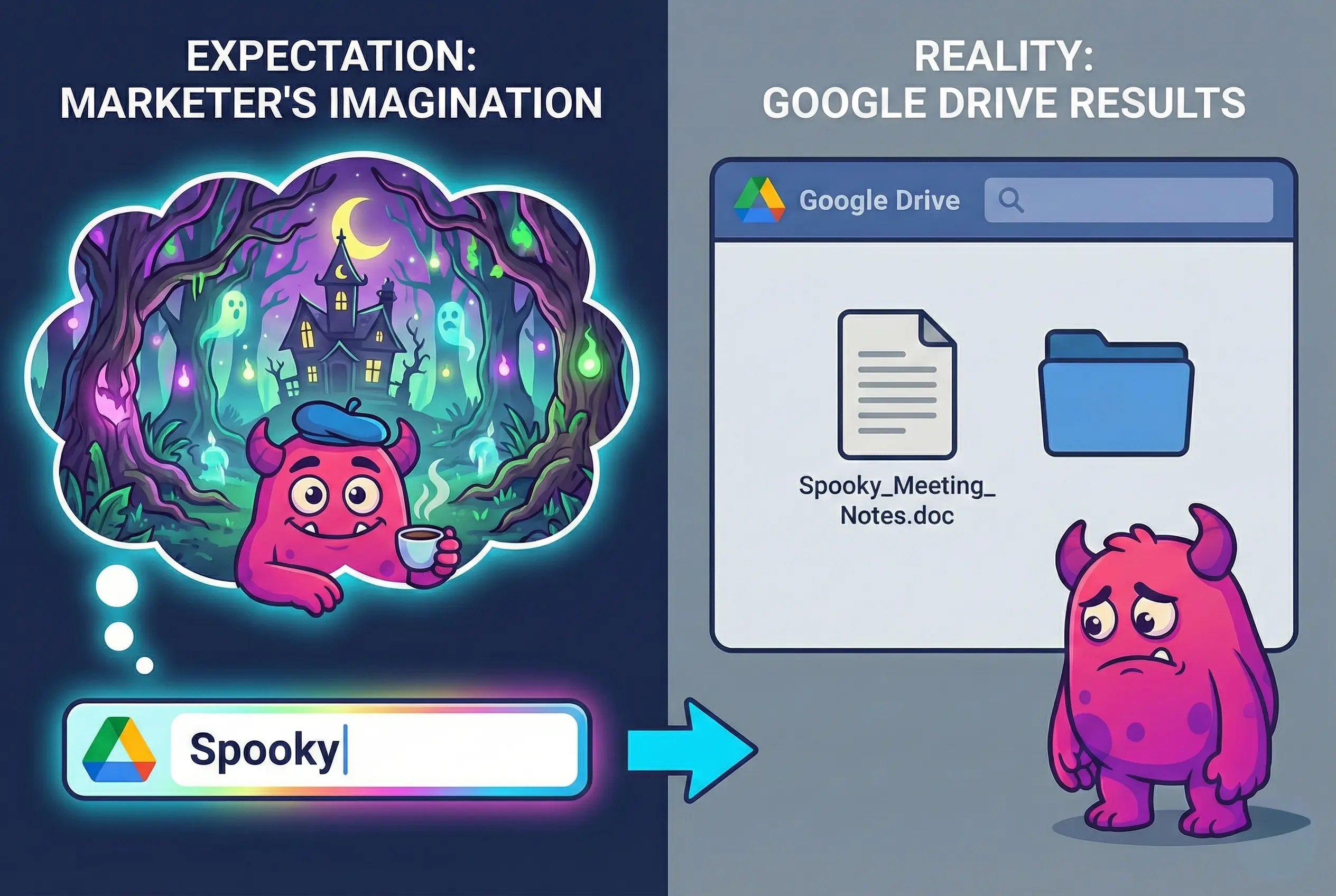
- Marketers search for content: They search for "Spooky Woods," "Moonlight," or "Scary Atmosphere."
When a marketer types "Spooky" into Google Drive, the search engine looks for the string "s-p-o-o-k-y." It does not look at the image. If the file is named IMG_2025_Final_02.png or Forest_Render.png, the search returns nothing, even if the image is the spookiest forest ever rendered.
The "Red X" Thumbnail Problem
Furthermore, general cloud storage struggles to render the specialized file formats game studios use daily.
- 3D Models: FBX, OBJ, GLTF, and USDZ files often appear as generic "file" icons. You have to download the entire 2GB file and open it in Blender just to see if it’s the right chair model.
- High-Fidelity Textures: TGA, EXR, and PSD files are often too large or complex for Drive’s previewer, leaving you staring at a spinning loading wheel or a "Preview Not Available" error.
When you force a visual medium into a text-based, document-centric filing cabinet, you create massive friction.
The "Manual Tagging" Trap
Usually, a producer realizes this problem eventually. They call a meeting and mandate a solution: "We need a metadata policy. We need to tag everything."
They set up a shared spreadsheet or enforce a strict naming convention policy. They ask artists to manually add metadata keywords to every screenshot, concept art piece, and marketing render before uploading it.
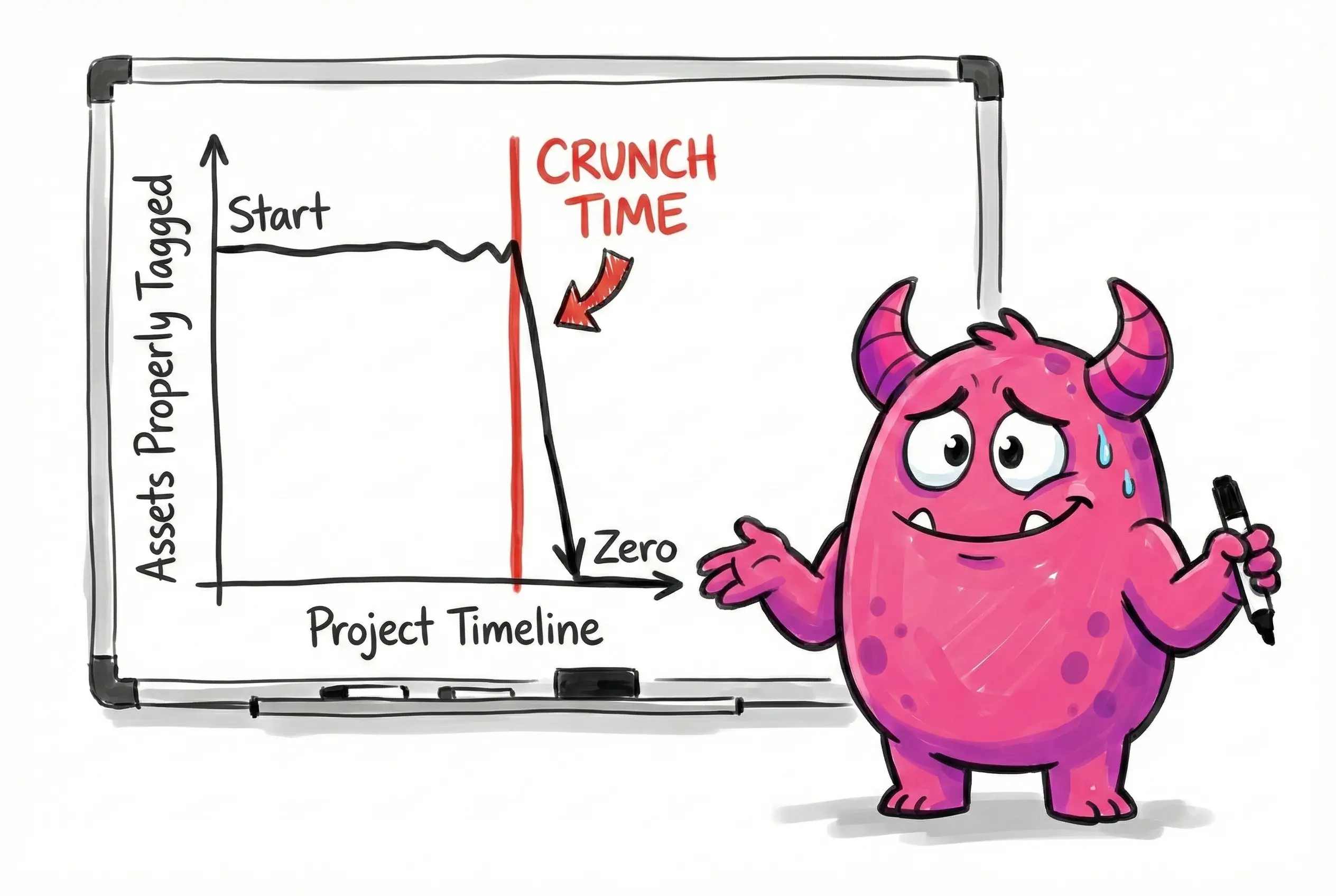
This works for about two weeks.
Then crunch hits. Deadlines loom. The priority shifts from "organizing files" to "shipping the game." An artist finishes a render at 3 AM; they are not going to spend 15 minutes adding 20 keywords to the file properties. They are going to drag-and-drop it and go to sleep.
The system falls apart instantly. You are back to the "Black Hole," where thousands of valuable marketing assets sit undiscoverable in deep, nested folder structures like Art > Characters > Legacy > Old > Final_Real.
The Solution: AI That Actually "Sees" Your Game
The only way to solve this at the scale of modern game development—where projects contain hundreds of thousands of files—is automation. This is where Artstash’s AI enrichment comes in.
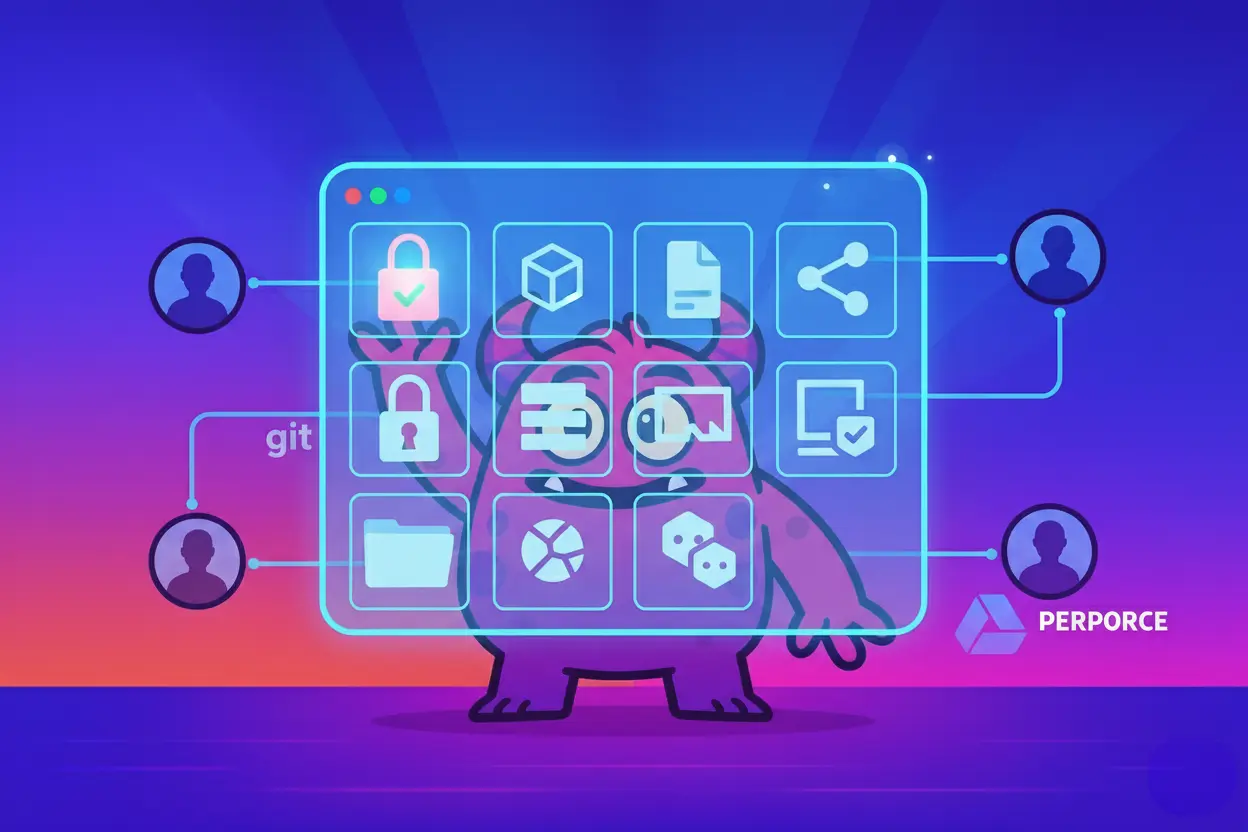
When you drop an asset into Artstash—whether it’s synced from Perforce, Git, or uploaded directly—our AI ignores the filename. Instead, it analyzes the actual pixels, frames, and audio.
Visual Recognition
It "looks" at the image the way a human does:
- It sees a sword, it tags it "Weapon," "Melee," and "Steel."
- It sees a forest, it tags it "Nature," "Trees," "Outdoor," and "Daytime."
- It analyzes the color palette, allowing you to search for "Red" or "Vibrant."
Suddenly, a marketing manager can search for "Red, Action, Night" and get every relevant asset, even if the files were named shot_01.jpg and render_final.png.
Video Intelligence
Video is even harder to search than images. Usually, finding a specific gameplay moment involves scrubbing through hours of MP4 capture footage.
Artstash’s AI changes this by analyzing the video timeline:
- Transcription: It listens to the audio and transcribes spoken dialogue. You can search for a specific line of dialogue ("We need air support!") and jump to the exact second it is spoken.
- Scene Detection: It recognizes visual changes. If you search for "Explosion," it won't just find videos with "Explosion" in the title; it will show you the exact timestamps within a 20-minute video where an explosion occurs.
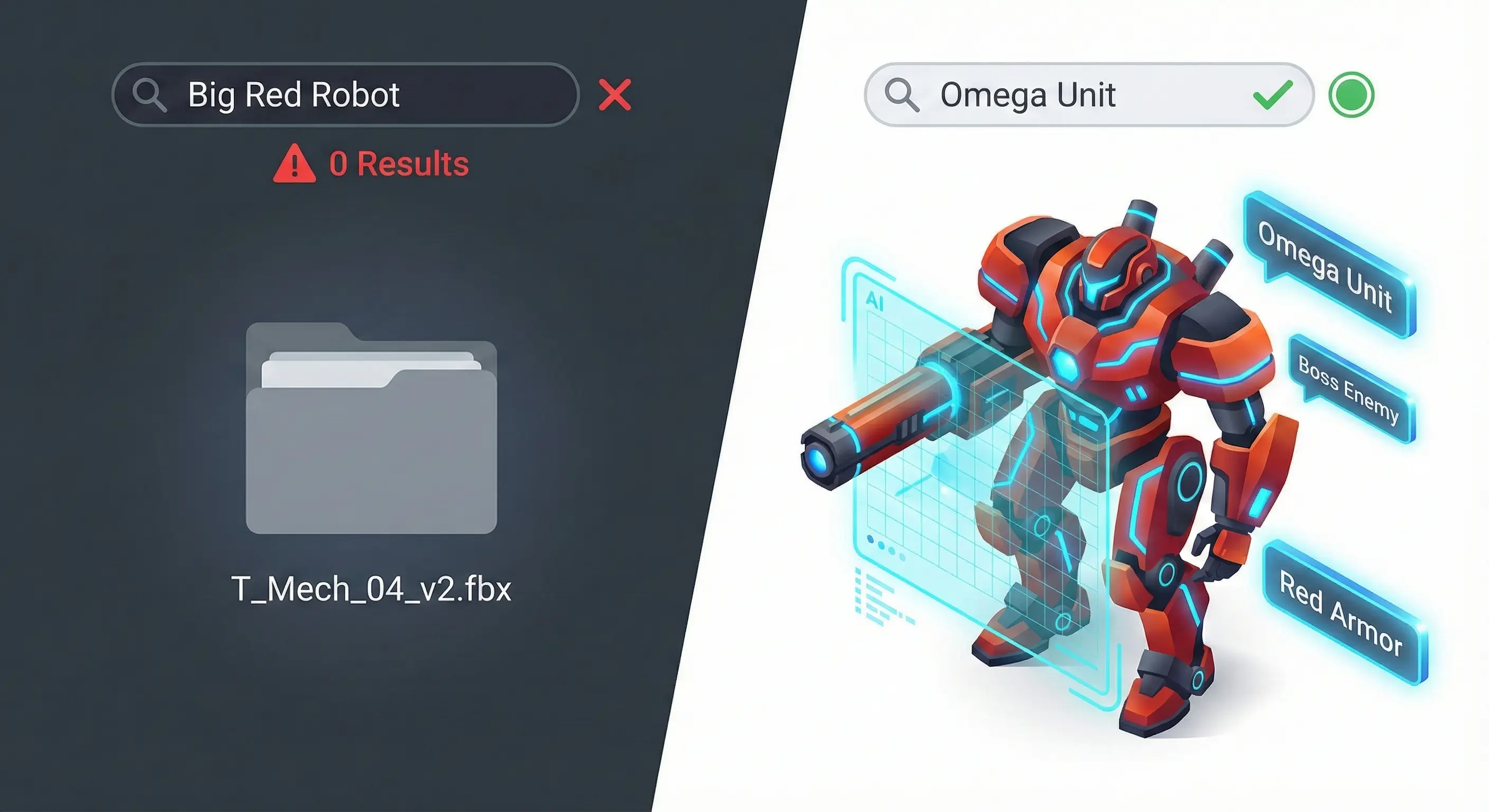
Beyond Generic AI: Introducing "Lore-Awareness"
Standard AI is powerful, but game development is specific. A generic AI tool (like Google Vision) might look at your main character and tag them "Soldier," "Armor," or "Robot."
That is helpful, but your marketing team doesn't search for "Robot." They search for specific IP terms: "Project Titan Mech," "Garrick," or "The Void Sword."
This is Artstash’s killer feature: Lore-Awareness.
You can train the Artstash indexer on your specific IP. You teach it that the big red robot is "Omega Unit." You teach it that the glowing blue weapon is the "Plasma Repeater." You feed it your character bible and your item list.
Once the system learns your lore, it creates a translation layer between your departments:
- The Developer uploads Char_Mech_Heavy_v09.fbx.
- The AI recognizes the visual design and tags it #OmegaUnit.
- The Marketer searches for "Omega Unit" and finds the file instantly.
This also solves brand consistency. It prevents marketing from accidentally using an outdated character model just because it had a similar filename. If the AI identifies it as "Legacy Design," your team knows to avoid it.
Stop the Slack Pings (The Invisible Tax)
The goal of a Digital Asset Management system isn't just to organize files; it's to unblock your team's most valuable resource: their attention.
Every time a developer is interrupted to find a file, it costs the studio money. It takes an average of 23 minutes to fully regain focus after a distraction. If your Tech Lead is interrupted three times a day to act as a human search engine for the marketing team, you are losing over an hour of high-level engineering time daily.
Artstash solves this on both ends:
- For Marketing: It provides Self-Service. They can find the exact clip, screenshot, or render they need in seconds using natural language, without needing to know the directory structure or pester a dev.
- For Developers: It provides Silence. No more interruptions. No more file exports. They can stay in their flow state, knowing the assets they commit to the repo are automatically being indexed and made available to the people who need them.
Your game assets are valuable. Stop throwing them into a black hole. Let the AI turn your archive into a searchable, visual library that actually works the way your team thinks.
Ready to see what your assets actually look like? Sign up for Artstash for free and let our Lore-Aware AI turn your chaotic folders into a searchable library.